
SoftPro AI
Workspace-aware AI for matches, next actions, property stories and record intelligence.
- Best-match signals
- Record recommendations
- Permission-aware answers
CRM features
SoftPro connects property data, clients, searches, AI recommendations, documents, matches, viewings, deals, websites, portal publishing, permissions, audit recovery and SaaS workspace control into one daily platform.
Modules
Each module is connected so agents do not repeat work and managers can see what needs attention.
Workspace-aware AI for matches, next actions, property stories and record intelligence.
Complete property records for sales, rentals, residential, commercial and land workflows.
Turn client requirements into searchable demand and match them with listings and agents.
Daily work, viewings, follow-ups and reminders stay visible without chasing messages.
Track offer, negotiation, closing and handoff work from the same operating workspace.
A public website connected to CRM listings, enquiries, SEO pages and agency branding.
PDF and Office files in agency folders and private agent folders with sharing actions.
Portal setup, credentials, feed URLs, readiness checks and publishing visibility.
Role-based access, audit trail, undo recovery and safer manager/admin controls.
Readable signals for workload, publishing, response queues, assignments and daily ops.
Workflow
The system is designed around the real agency path: capture, prepare, match, publish and operate.
Add a property, owner/client, media, documents and story.
Validate required fields, readiness and channels.
Connect properties to clients, leads and searches.
Push to website and enabled portal/XML channels.
Run AI next actions, viewings, deals, activities and reporting.
Screens
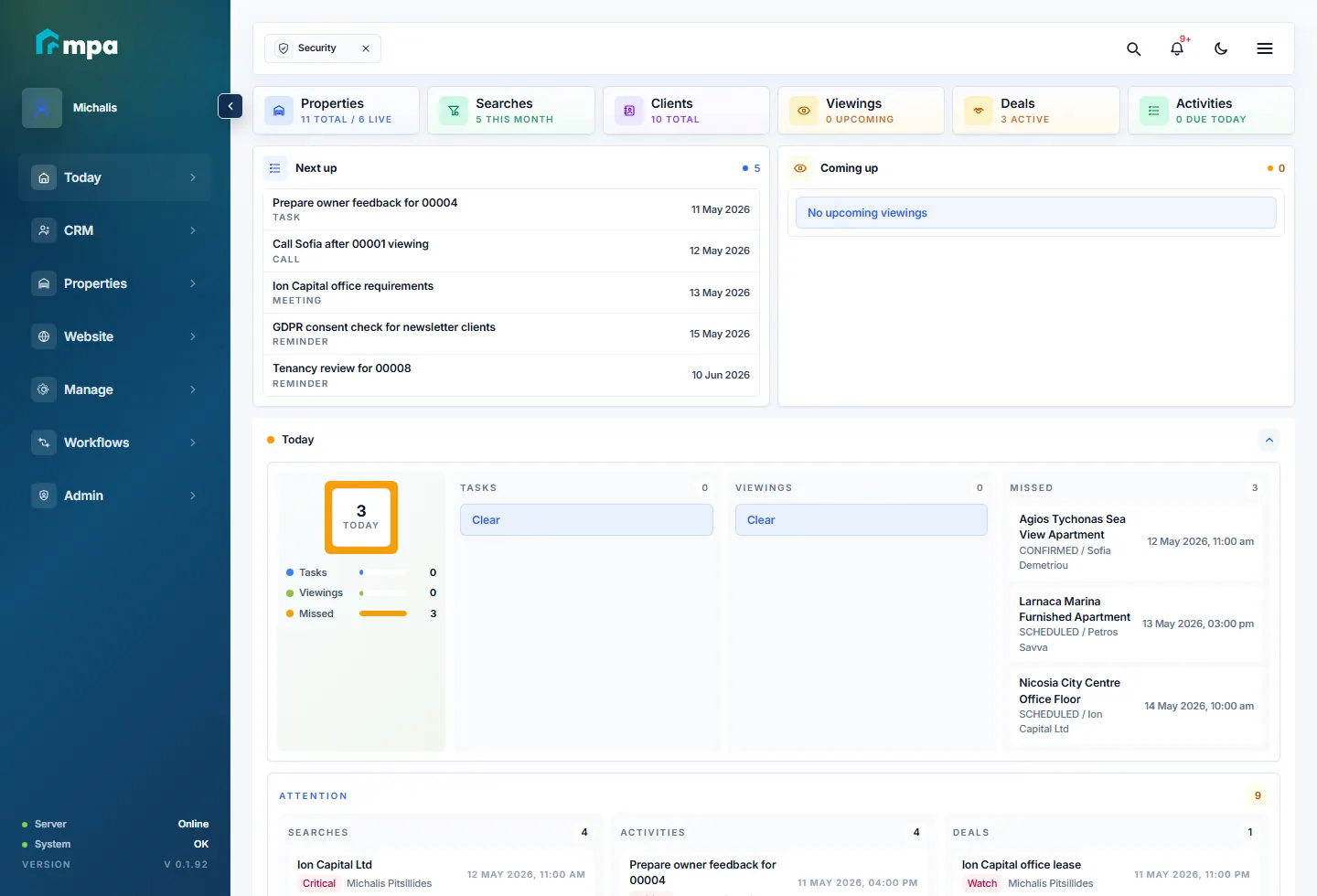
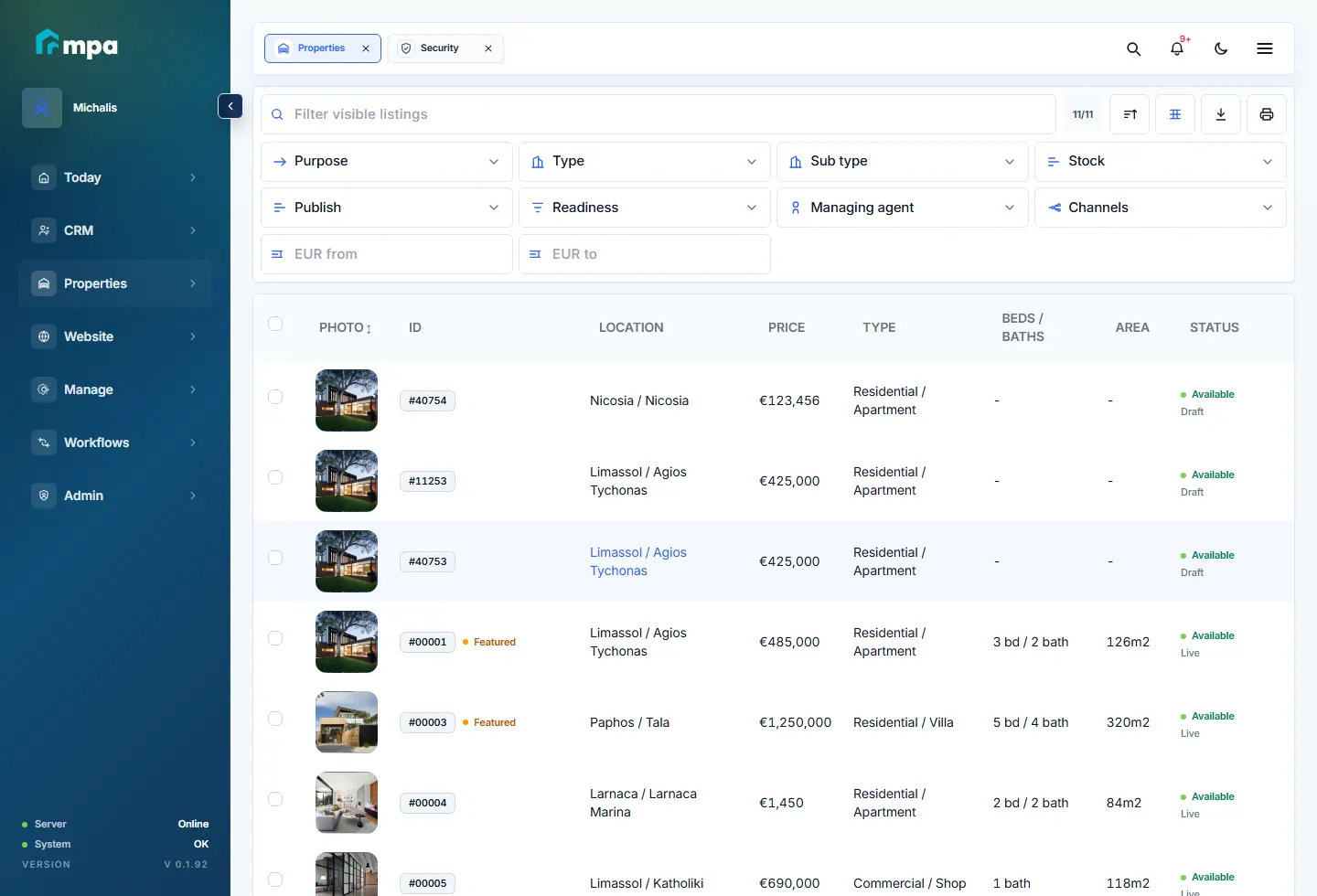
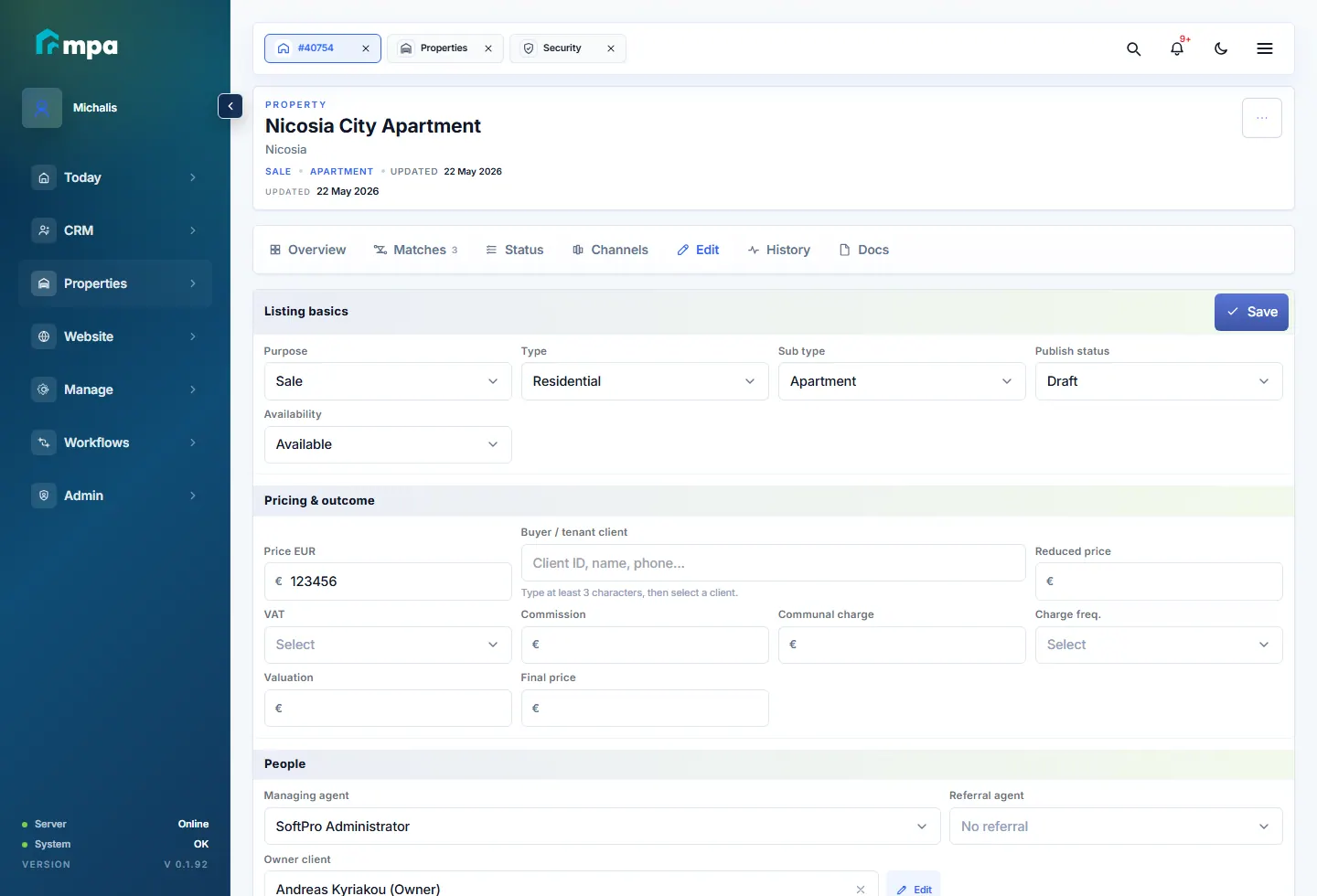
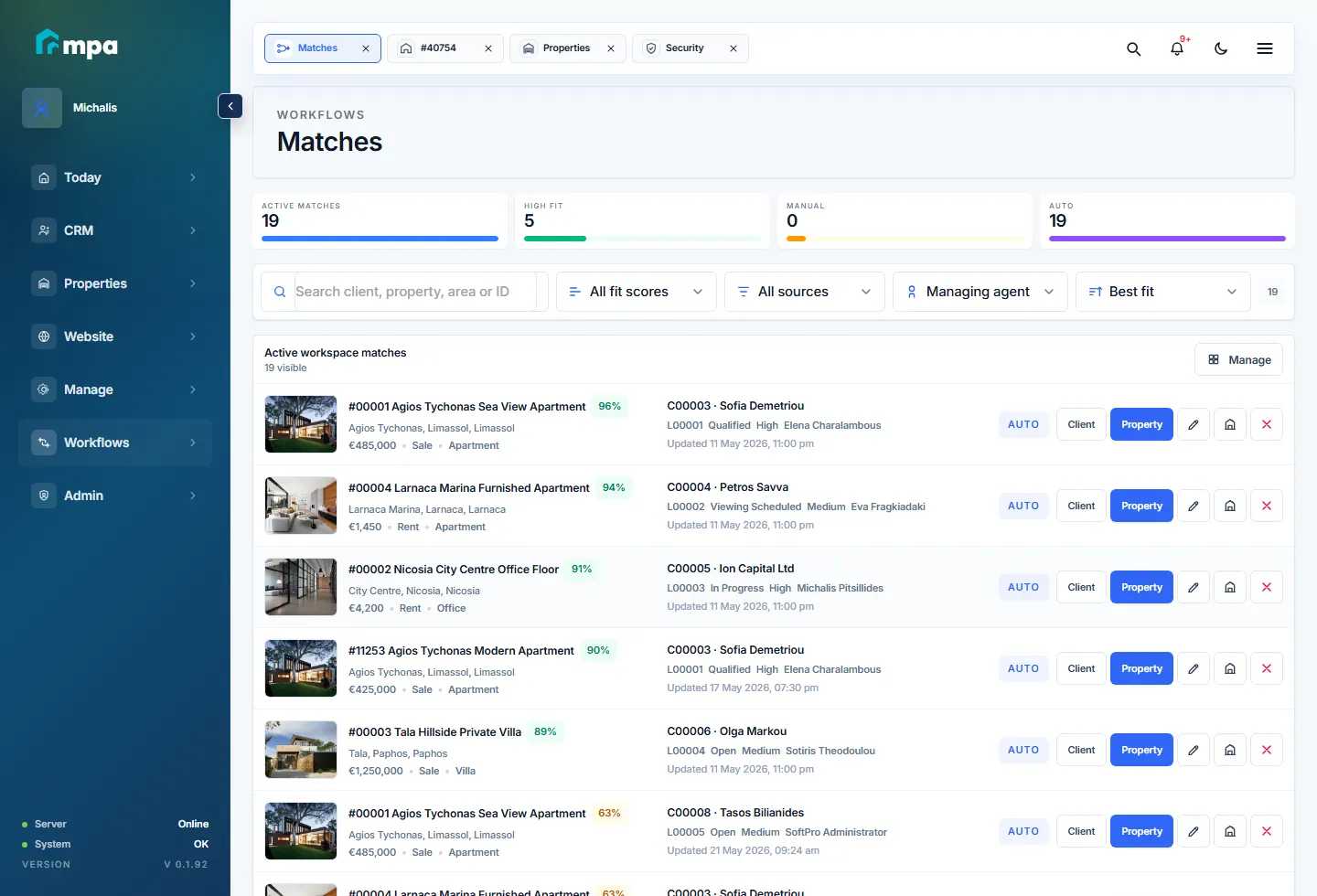
The website shows real workspace screens so agencies can understand the CRM before booking a demo.
SaaS clarity
Each agency can run independently, while the platform owner keeps visibility over workspaces, limits, readiness and delivery.